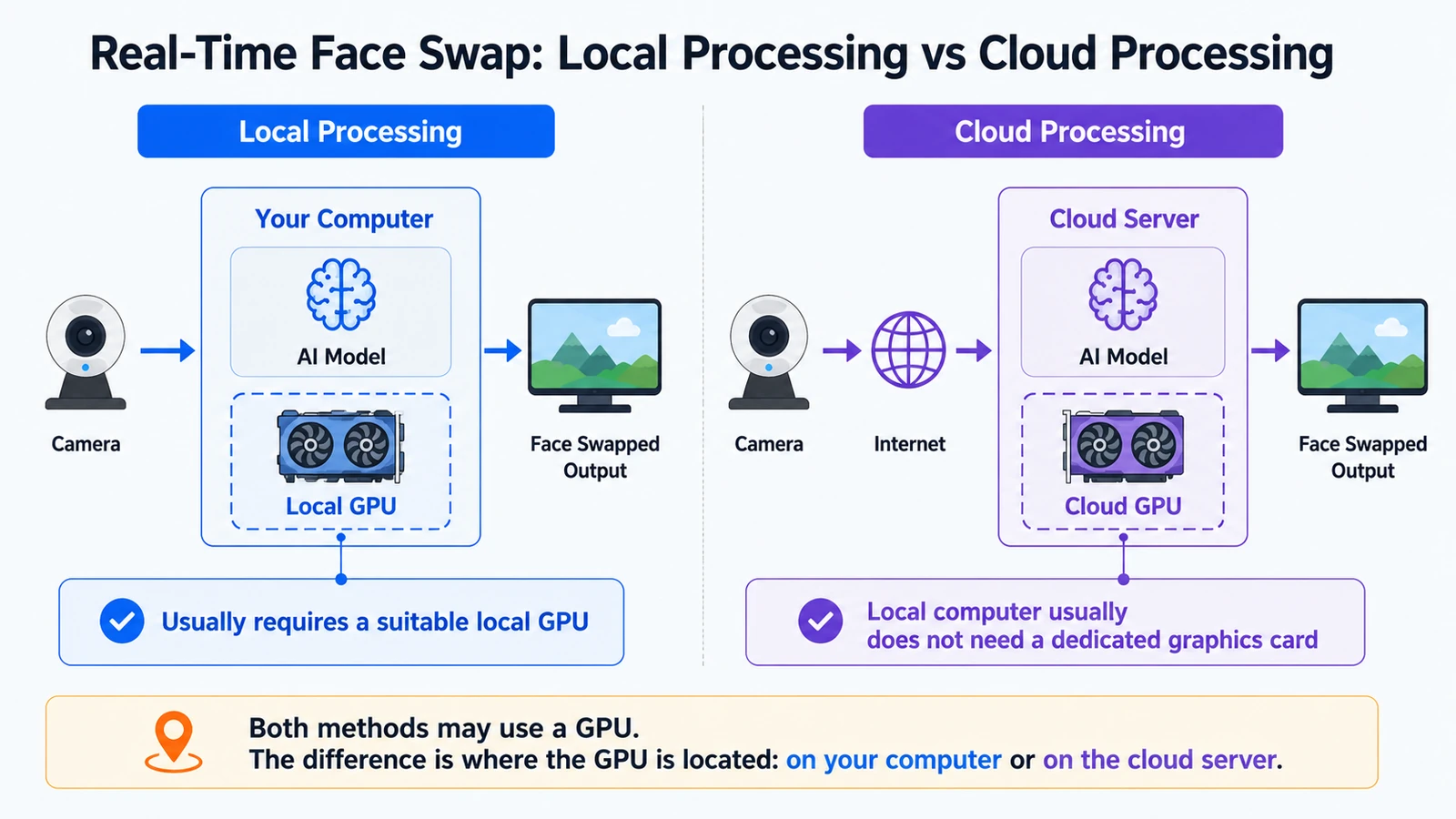
Live Face Swap (Real-Time Face Swap) means changing a person’s face or visual identity while a webcam or other live video source is running, with the AI output updating in real time as the person moves.
Unlike photo or uploaded video face swaps, live face swap has to follow motion, facial expressions, and camera angles while the camera is live.
What goes into a live face swap, and what comes out?
A typical live face swap starts with two inputs:
- Live camera video: provides the current movement, expression, head angle, and scene.
- Reference portrait: tells the system which identity or appearance to reproduce.
The system processes incoming camera frames in real time and returns a continuously updating AI video stream.
A simple way to think about it is:
Camera Video + Reference Portrait → Real-Time AI Processing → Live Face-Swapped Video
You are still the person speaking, turning, blinking, and changing expression in front of the camera. What changes is the identity or appearance shown in the output, while the output tracks your movements and facial expressions in real time.
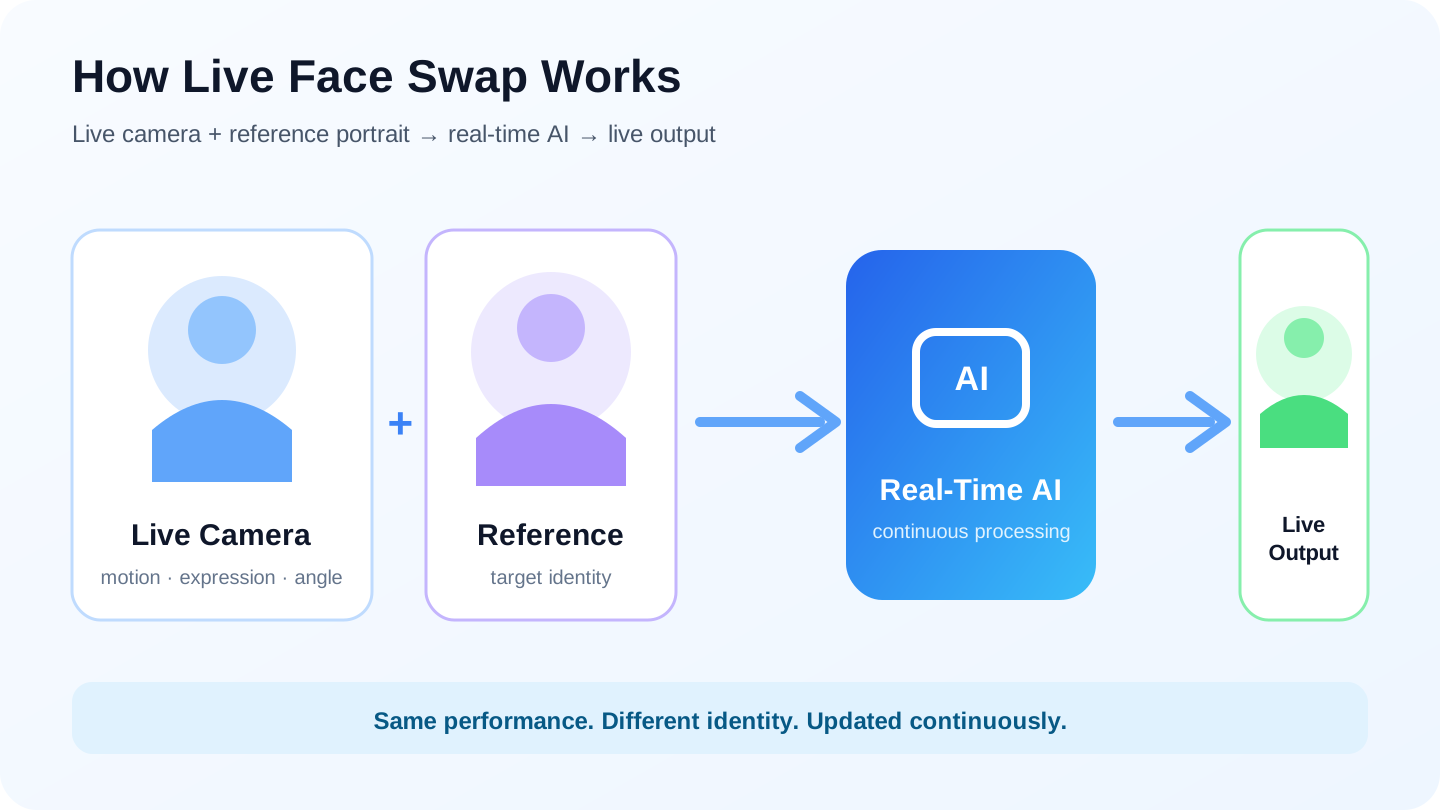
Why is it called “real-time”?
What defines “real-time” is that you do not have to finish recording, upload the file, and then wait for processing.
When you turn your head, change your expression, or move closer to the camera, the AI result keeps updating. You can immediately see how the transformed face follows what you are doing.
A normal offline workflow looks more like this:
Record → Upload → Wait for Processing → View or Download the Result
Live face swap is closer to:
Live Camera Feed → Real-Time AI Processing → Continuous Output
So if a tool requires you to upload or finish recording a video before it starts generating the result, it may support video face swap, but it is usually not a true real-time webcam face swap.
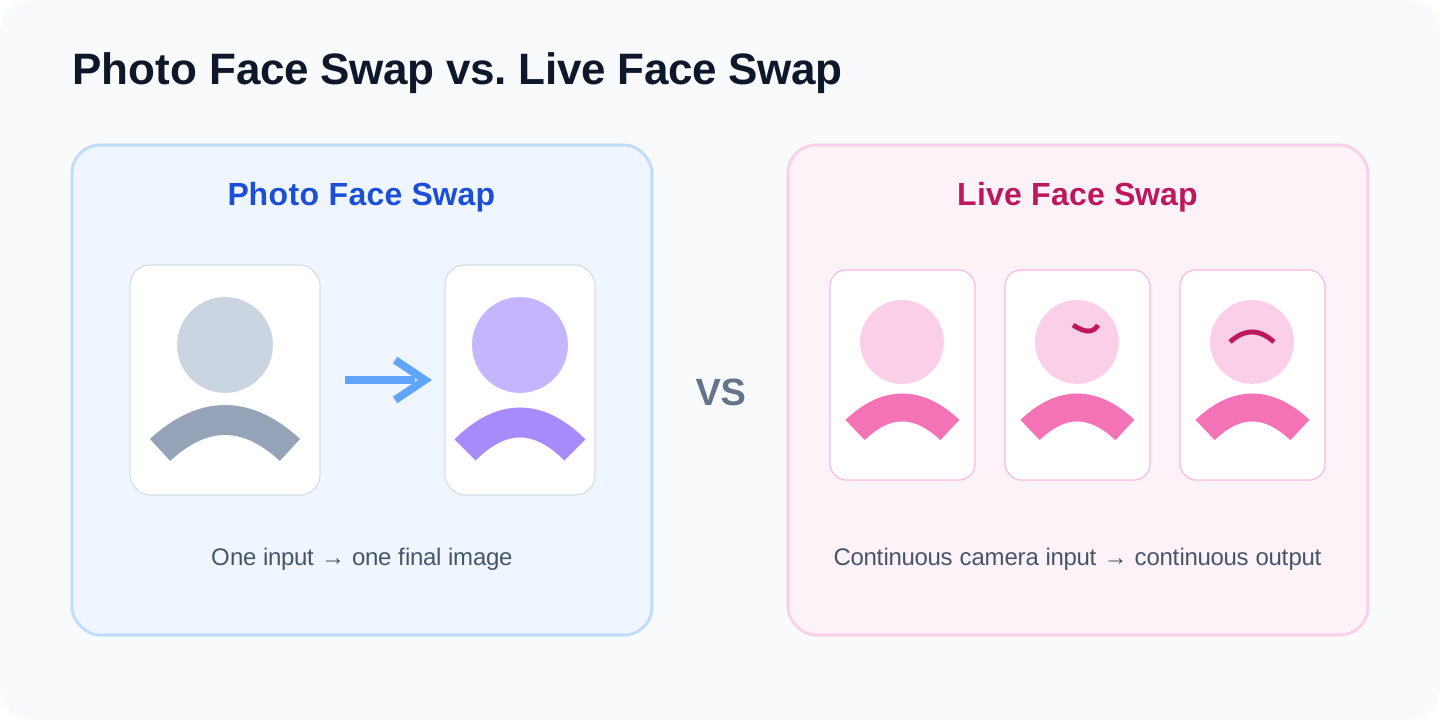
How is live face swap different from photo face swap?
Photo face swap only has to process a static image. Live face swap has to keep working across a stream of changing video frames.
| Dimension | Photo Face Swap | Live Face Swap |
|---|---|---|
| Input | Still image | Continuous video |
| Output | One final image | Continuously changing video |
| Must follow movement | No | Yes |
| Latency matters | Usually not | Yes |
| Frame-to-frame stability matters | No | Yes |
A photo swap only needs a single convincing still image. A live system has to deal with head turns, expressions, speech, distance changes, and occlusion while keeping the result visually consistent from frame to frame.
That is why a tool that produces a great still-image swap is not automatically suitable for live webcam use.
How is live face swap different from uploaded video face swap?
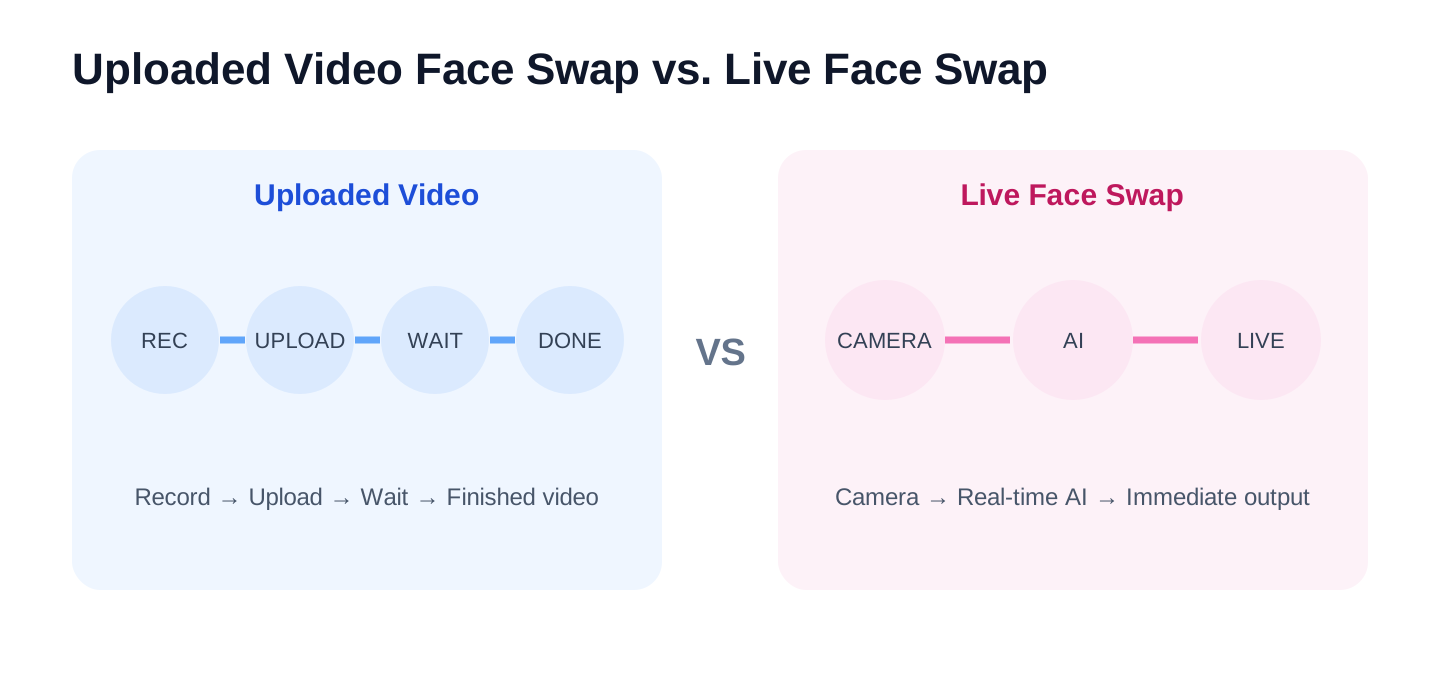
Uploaded video face swap can also process many frames, but that processing can happen after the recording is finished.
A typical workflow is:
Record → Upload Video → Wait for Processing → Get the Finished Video
Live face swap does not have that waiting stage. If someone is speaking or moving in front of the camera, the system has to generate usable output in real time as the interaction happens.
That leads to a simple rule:
Being able to process video does not mean a tool can process a live webcam feed.
This matters most for streaming, video calls, and live demos, where the transformed video has to be available while the interaction is happening, not minutes later.
How is live face swap different from a face filter?
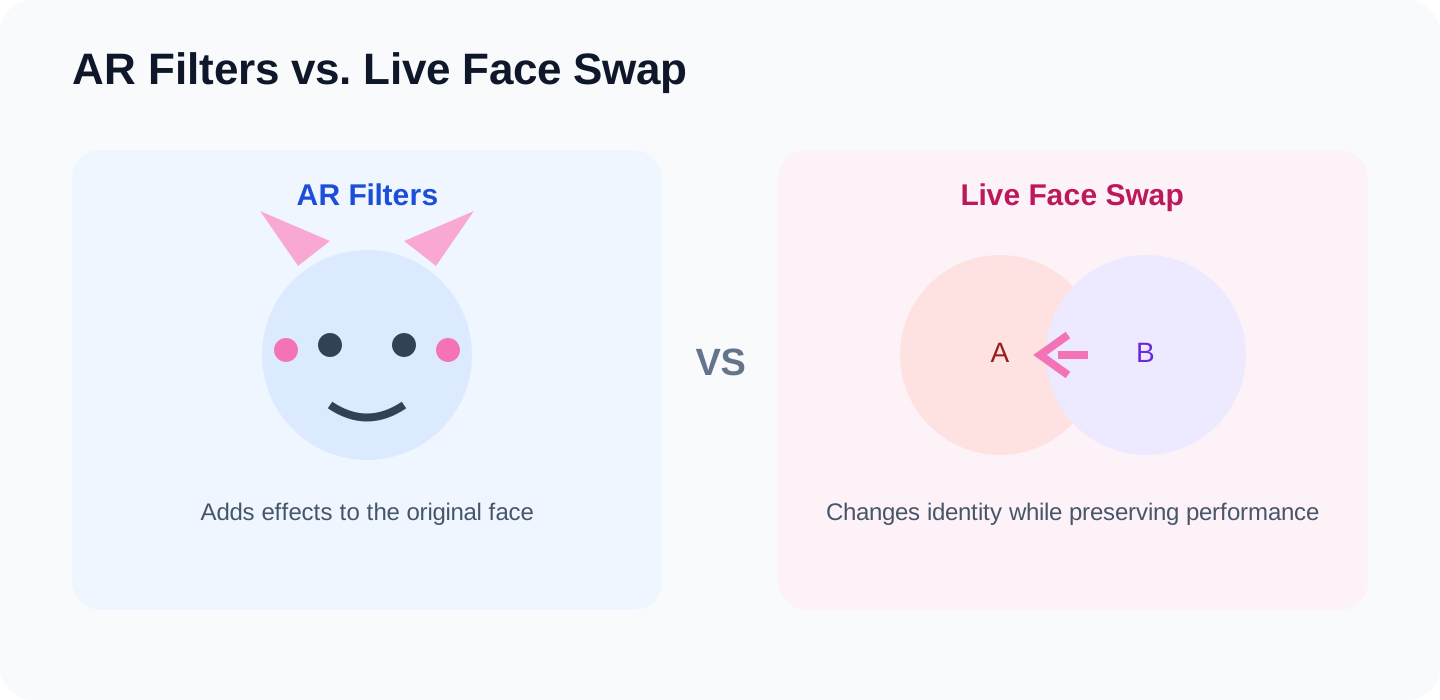
Traditional AR filters usually add or modify visual elements on top of the original face, for example:
- beauty effects;
- masks;
- animal ears;
- stickers;
- makeup;
- simple face-shape changes.
Live AI face swap is more focused on changing who the person appears to be while preserving as much of the original motion, expression, and camera perspective as possible.
Both can run live, but they solve different visual problems. A filter usually adds an effect to “the original you.” A face swap changes the identity or appearance while trying to preserve the performance underneath.
The boundary between these categories is also becoming less defined. Newer real-time generative video systems can change hair, clothing, or even the overall visual style, so traditional face swap is increasingly becoming one part of a broader real-time AI video workflow.
Is live face swap the same as a VTuber or AI avatar?
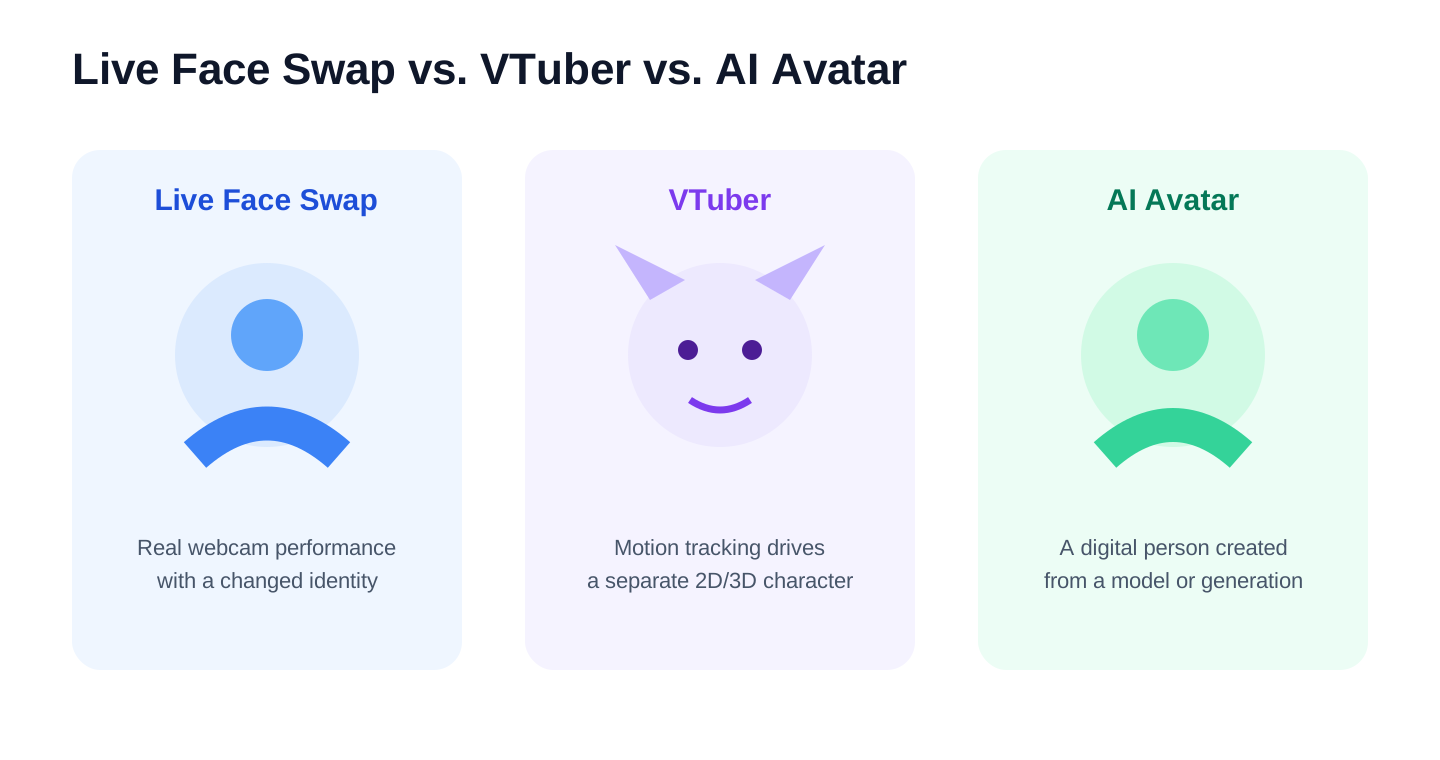
No, although all three can let someone appear on camera with a different visual identity.
A typical VTuber workflow is closer to:
Motion and Expression Tracking → Animated 2D or 3D Character Model
Live face swap is closer to:
Live Camera Performance → Changed Identity or Appearance
A VTuber scene usually comes from a separately drawn or modeled character. Live face swap still starts from the real person’s live camera video.
Neither approach is inherently more advanced. They simply generate the final image in different ways and produce a different kind of visual experience.
What is live face swap usually used for?
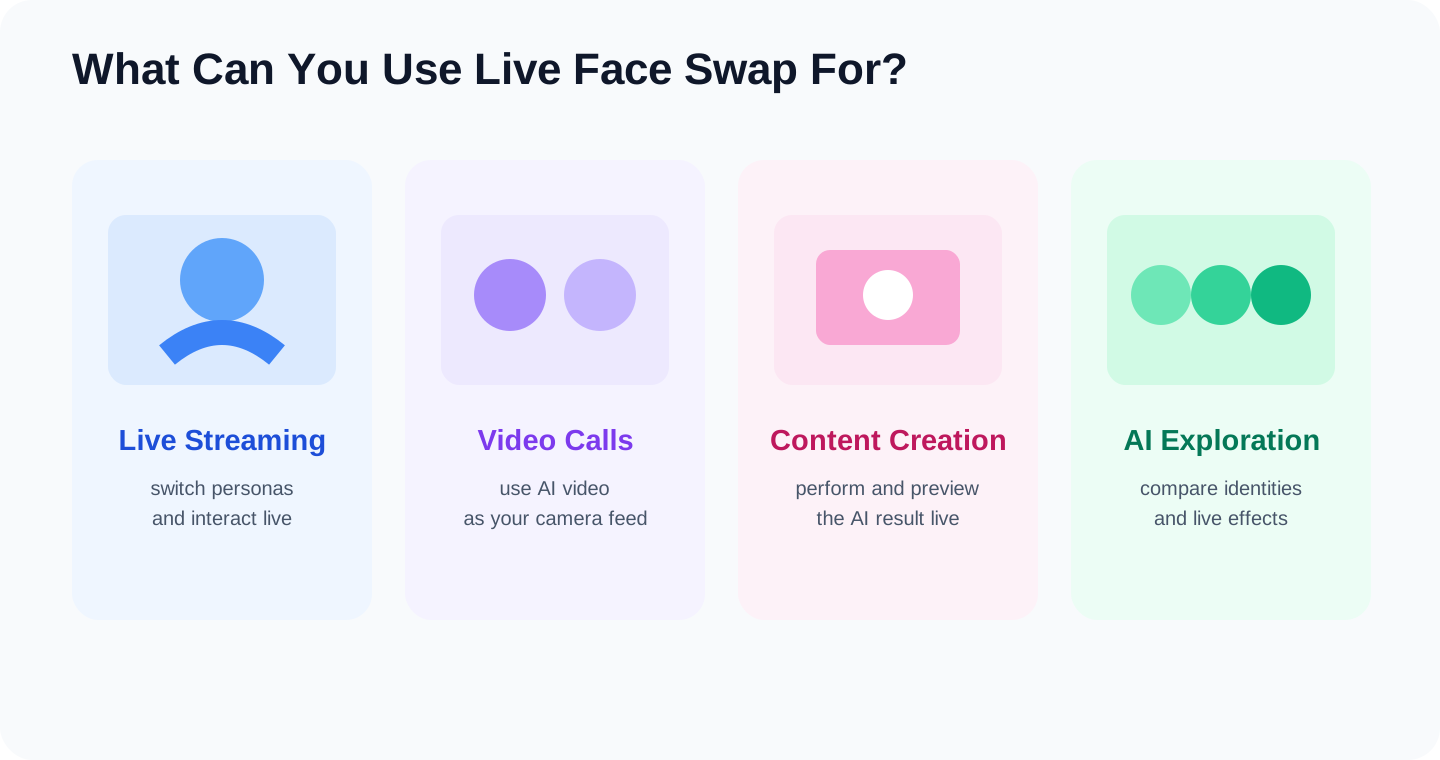
Common uses include:
- changing characters or personas during live streams;
- using a real-time AI appearance in video calls;
- creating short-form or character-based content;
- performing as a virtual character;
- experimenting with live AI effects.
These use cases share one thing: the visual change needs to happen at the same time as the person’s movement, speech, or interaction.
For a deeper look at the different scenarios, see What Can You Do with Real-Time Face Swap Today?.
Do you need to install software or have a high-end GPU?
Not necessarily.
Live face swap can run locally, or the main AI processing can happen in the cloud.
- Local approach: the AI model runs directly on the local device, so performance usually depends more heavily on the local GPU, drivers, and software environment.
- Cloud approach: the camera stream is sent to remote infrastructure for the main AI processing, so the local computer does not necessarily need a high-end dedicated GPU.
LiveFaceSwap uses cloud-based real-time AI processing, so neither the web version nor LiveFaceSwap Desktop requires a high-end dedicated GPU for local AI inference.
If hardware requirements are your main concern, see Does Real-Time Face Swap Need a GPU?.