
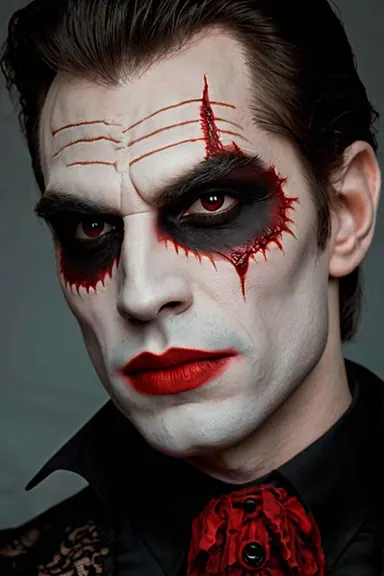
Face Swap Halloween
Create a face swap Halloween look for your live camera. Choose a character portrait for an online party, a spooky reveal or your next stream.
Choose a face. Add your expressions. Make a Halloween character move with you.
Try Live Face Swap Online
Sign up and get up to 90 seconds free.
Live AI output
Idle
Your camera feed is not saved and cannot be viewed by other users.
Face Swap Halloween Looks
Choose your Halloween face swap look, from vampires and witches to skull-inspired portraits. Each selection loads into the workspace so you can check your camera, model and credit rate before starting. Choosing a look does not start your camera or begin a paid AI session.
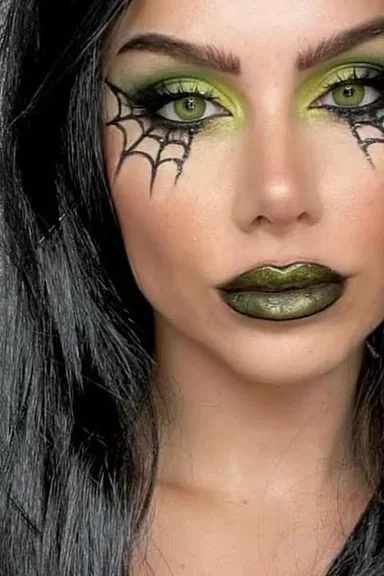
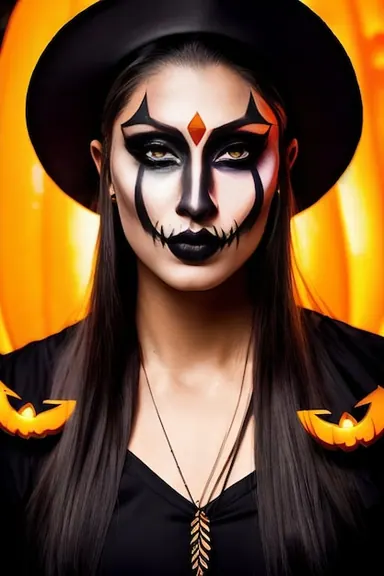
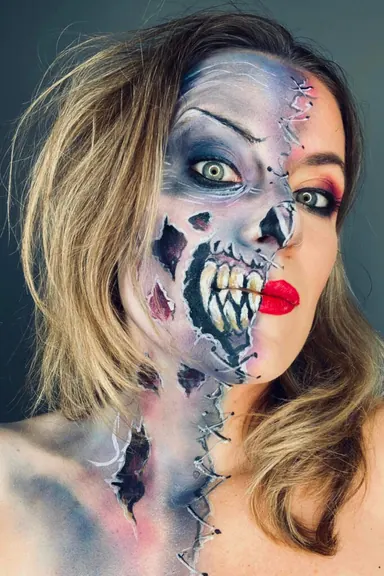
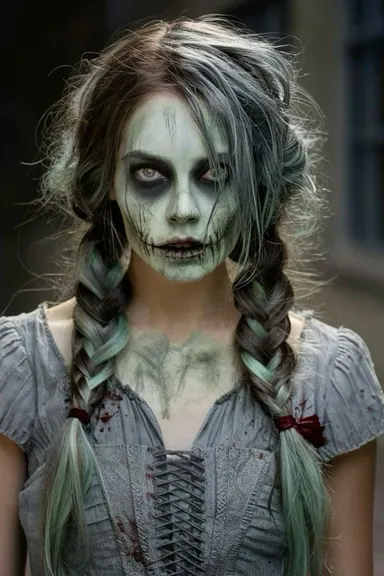
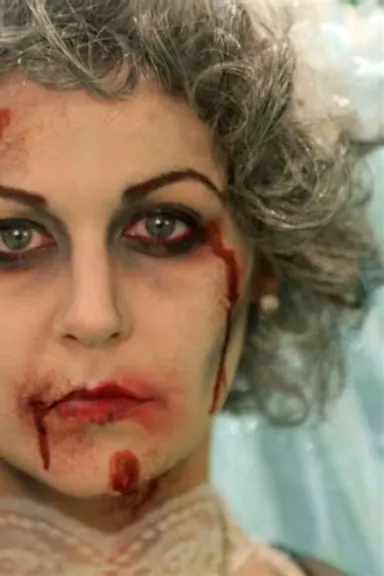
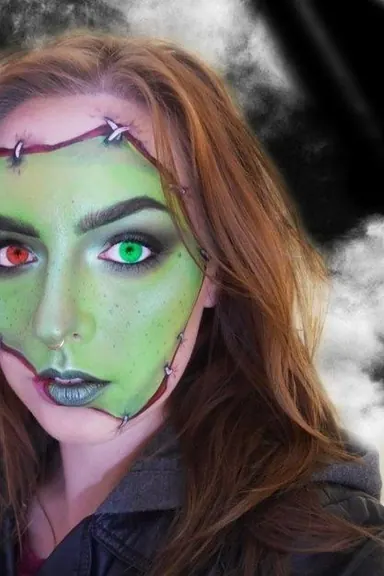
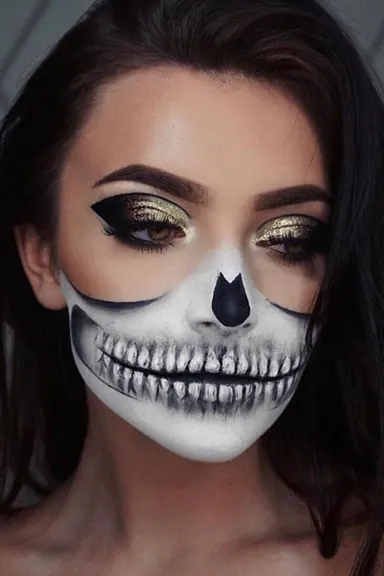
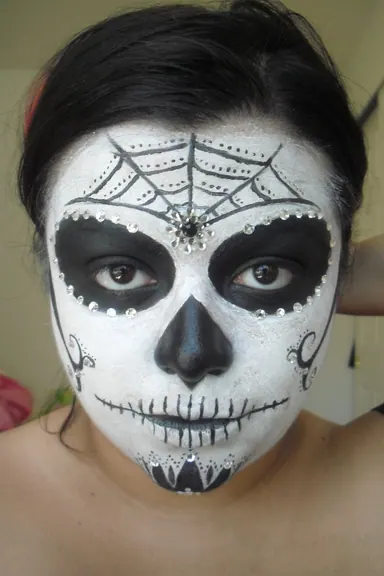
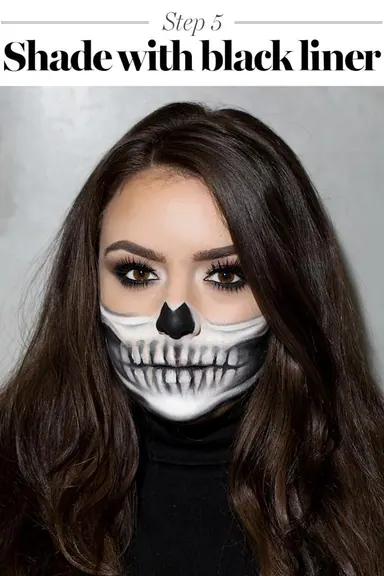
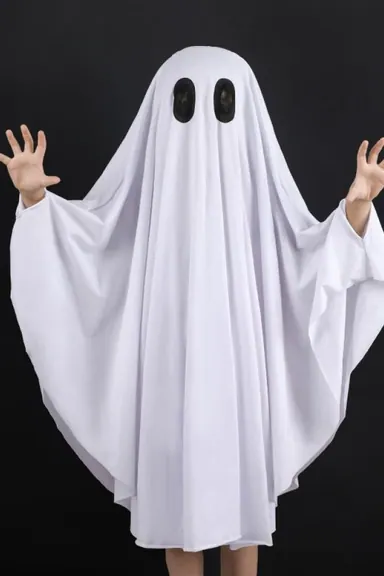
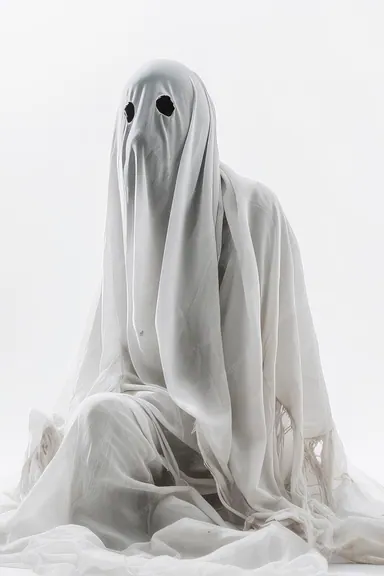
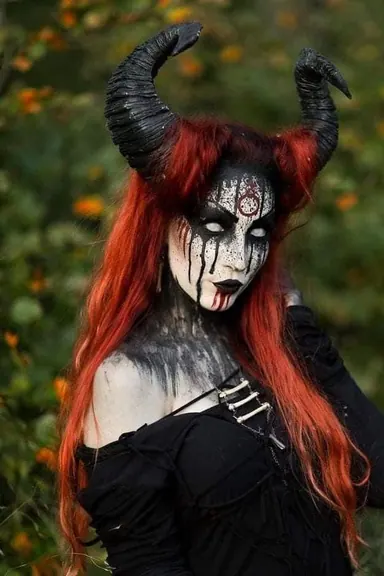
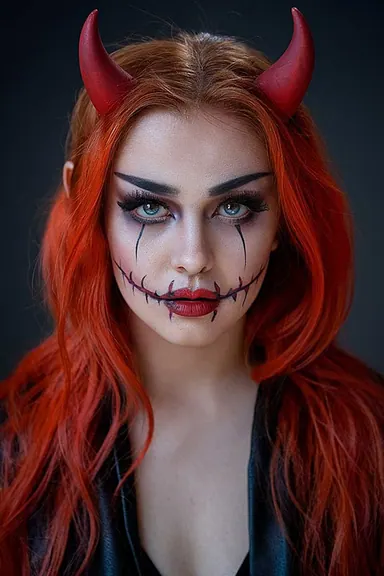
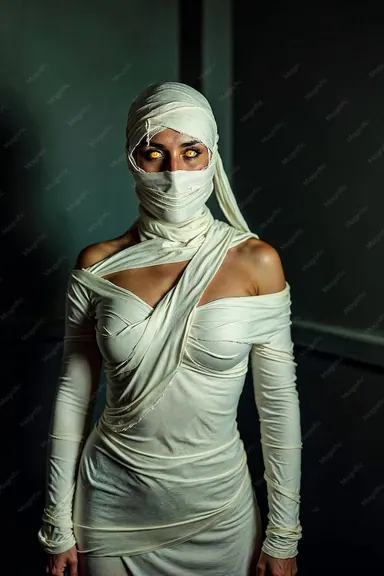
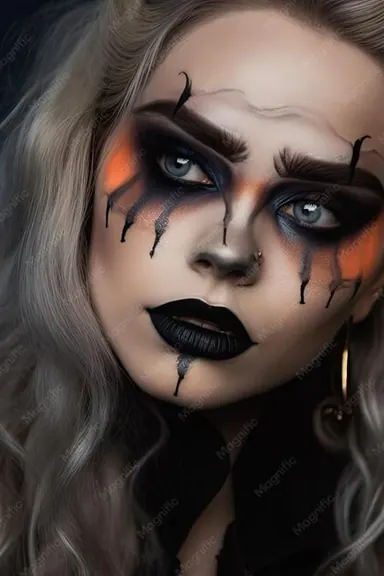
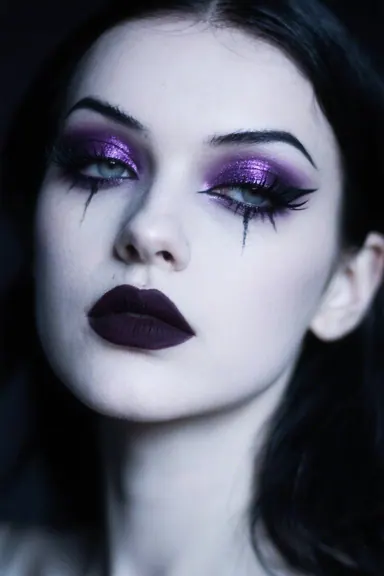
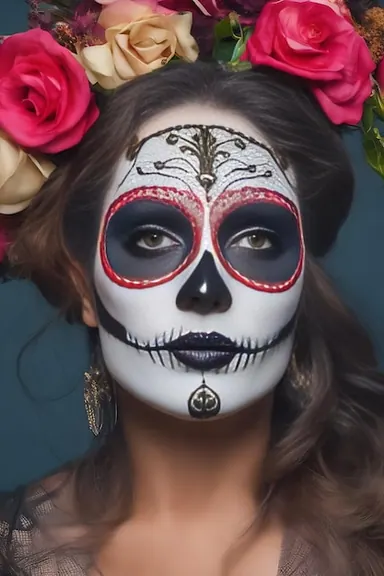
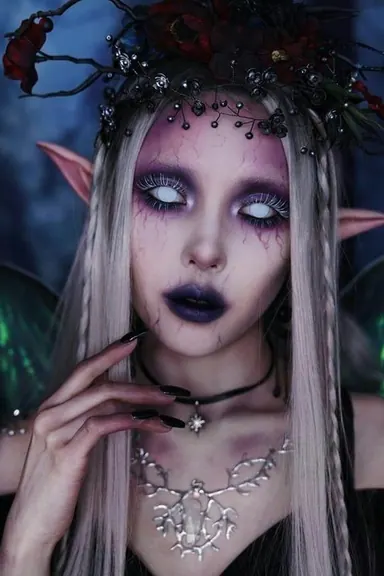
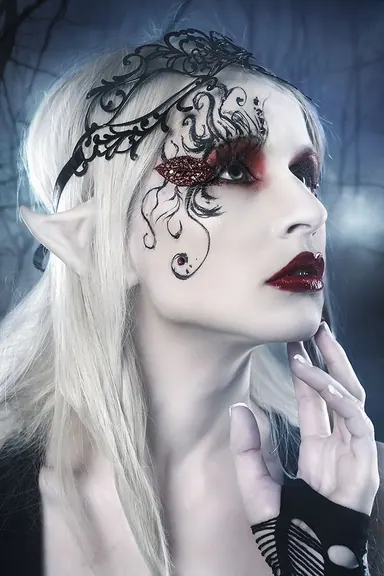
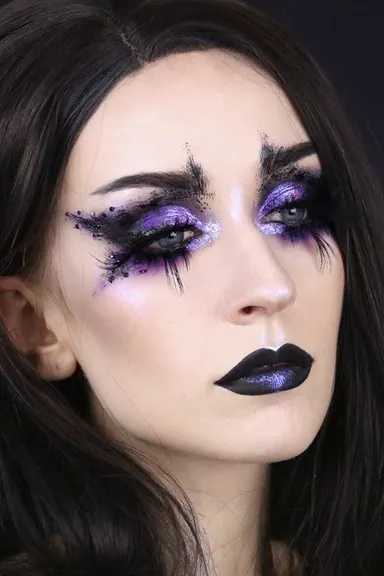
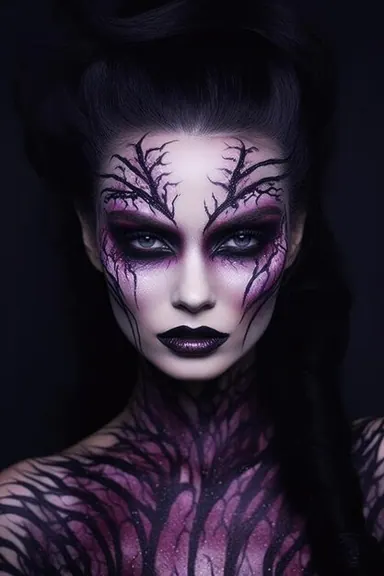
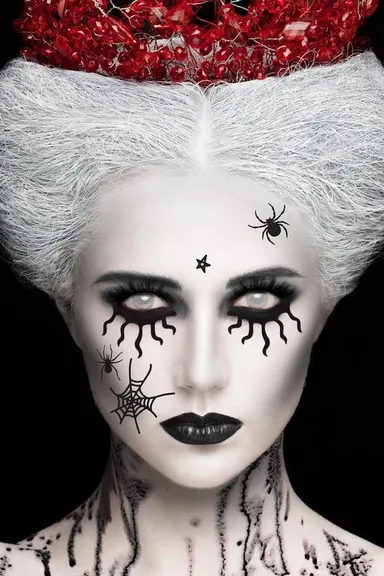
Make a Halloween entrance
Joining a Halloween costume swap party? Add a spooky character reveal to the group’s video call. Use a clear portrait, try different expressions and get your look ready for a party or stream.
Try with my own portraitHow to create a face swap Halloween look
Choose a character portrait and make your Halloween look move with you.
- 1
Choose your Halloween portrait
Choose a portrait from the looks above or upload a clear, front-facing character image you own or have permission to use. A photo of your own Halloween makeup works too.
- 2
Try it on your live camera
In the workspace above, choose Face Swap and select a reference or upload your portrait. Select your camera, check the model and credit rate, then start the live preview.
- 3
Get ready for your entrance
Check how the look follows your expressions. Keep your face well lit and visible, then test a few expressions before going live. For a party call or stream, use LiveFaceSwap Desktop with the virtual camera in a compatible app.
Face Swap Halloween FAQ
Try your face swap Halloween look live
Bring a portrait, step in front of your camera and see your character move with you.